Synchronized Access Remote Assistance
S.A.R.A Care —
The Provider App
SARA Care helps healthcare providers receive patient requests, submit service offers, manage appointments, coordinate home visits, capture IoT health readings and issue digital healthcare documents where applicable.
Receive real-time patient requests

Set service area and availability

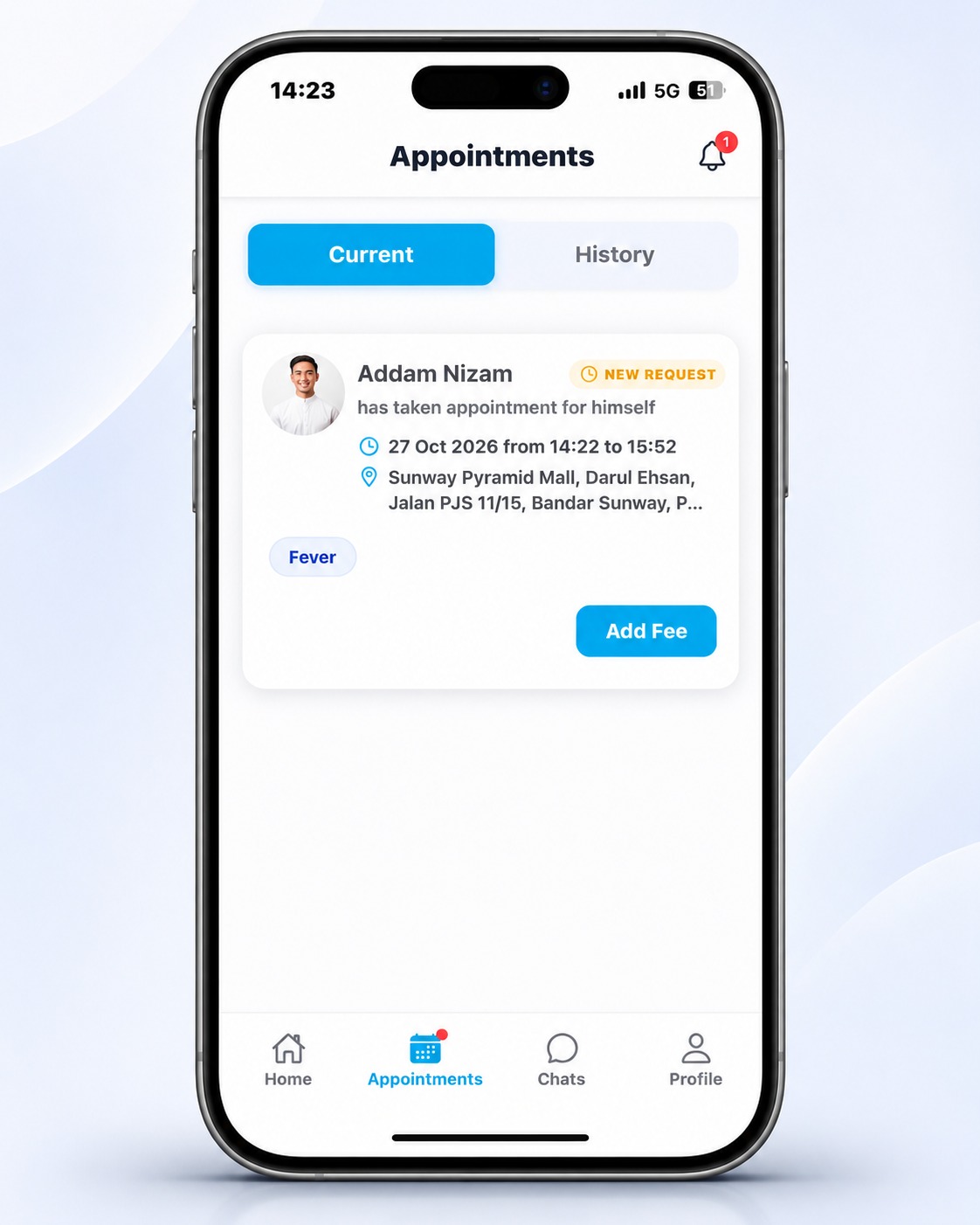
Submit service fees and estimated arrival time

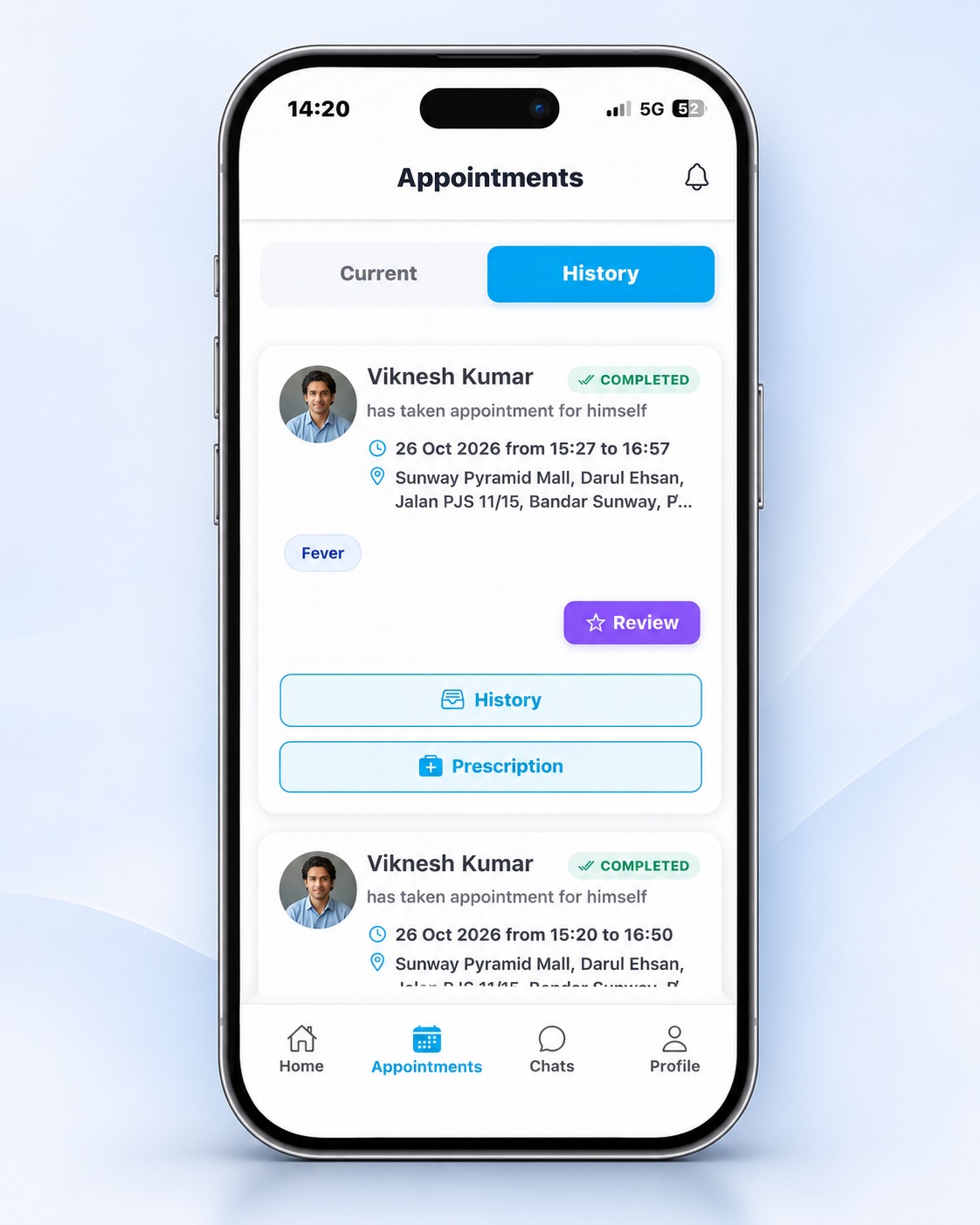
Manage home visits and physical appointments

Capture or view IoT health readings

Issue e-prescriptions, medical certificates and referral letters where applicable

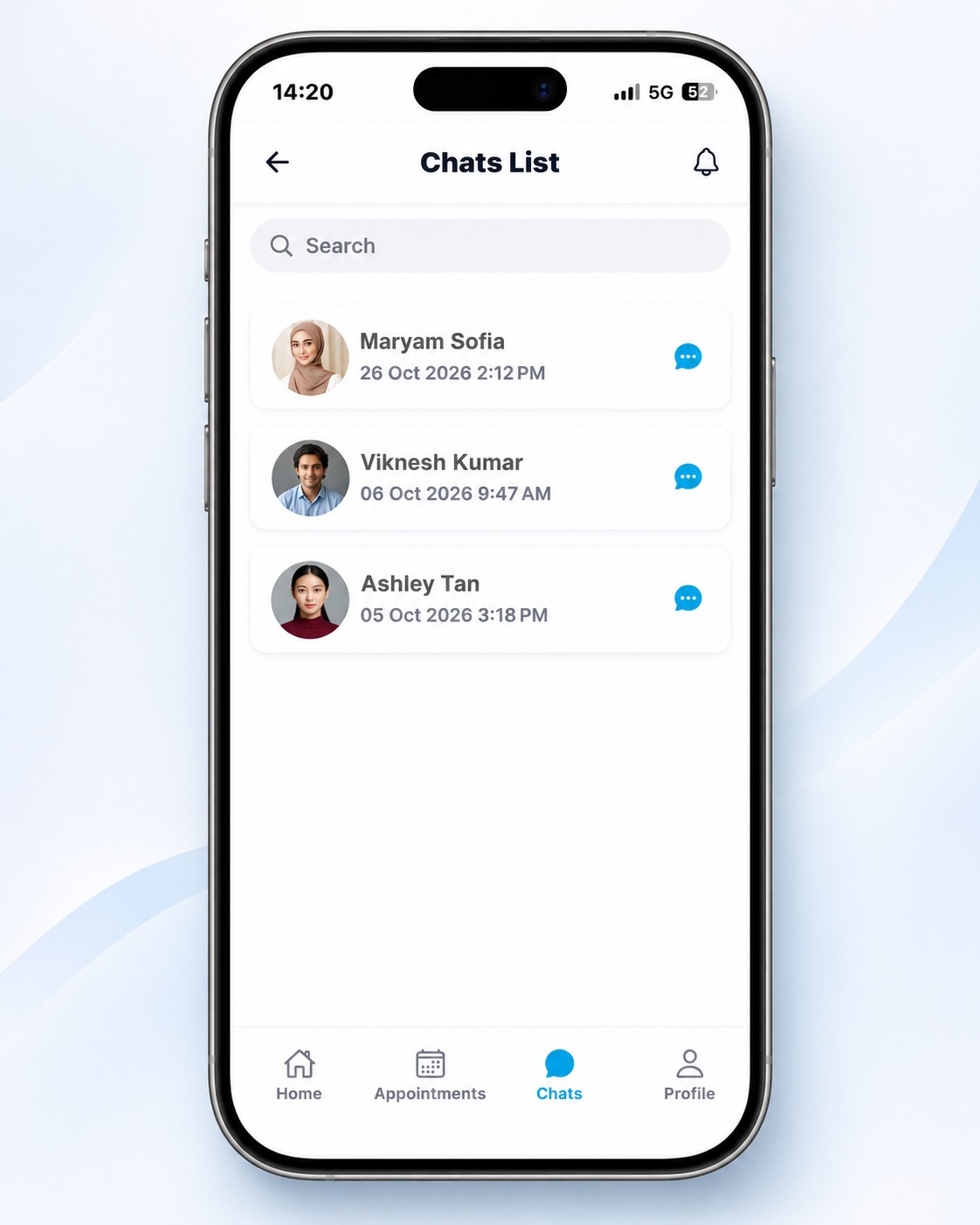
Manage patient communication through secure chat

View service history, earnings and analytics
Better Patient Assessment With Connected Devices
Compatible IoT medical devices can help providers capture structured readings such as blood pressure, ECG, SpO2, body metrics and other measurements during patient care. This improves documentation, reduces manual
Build Your Profile
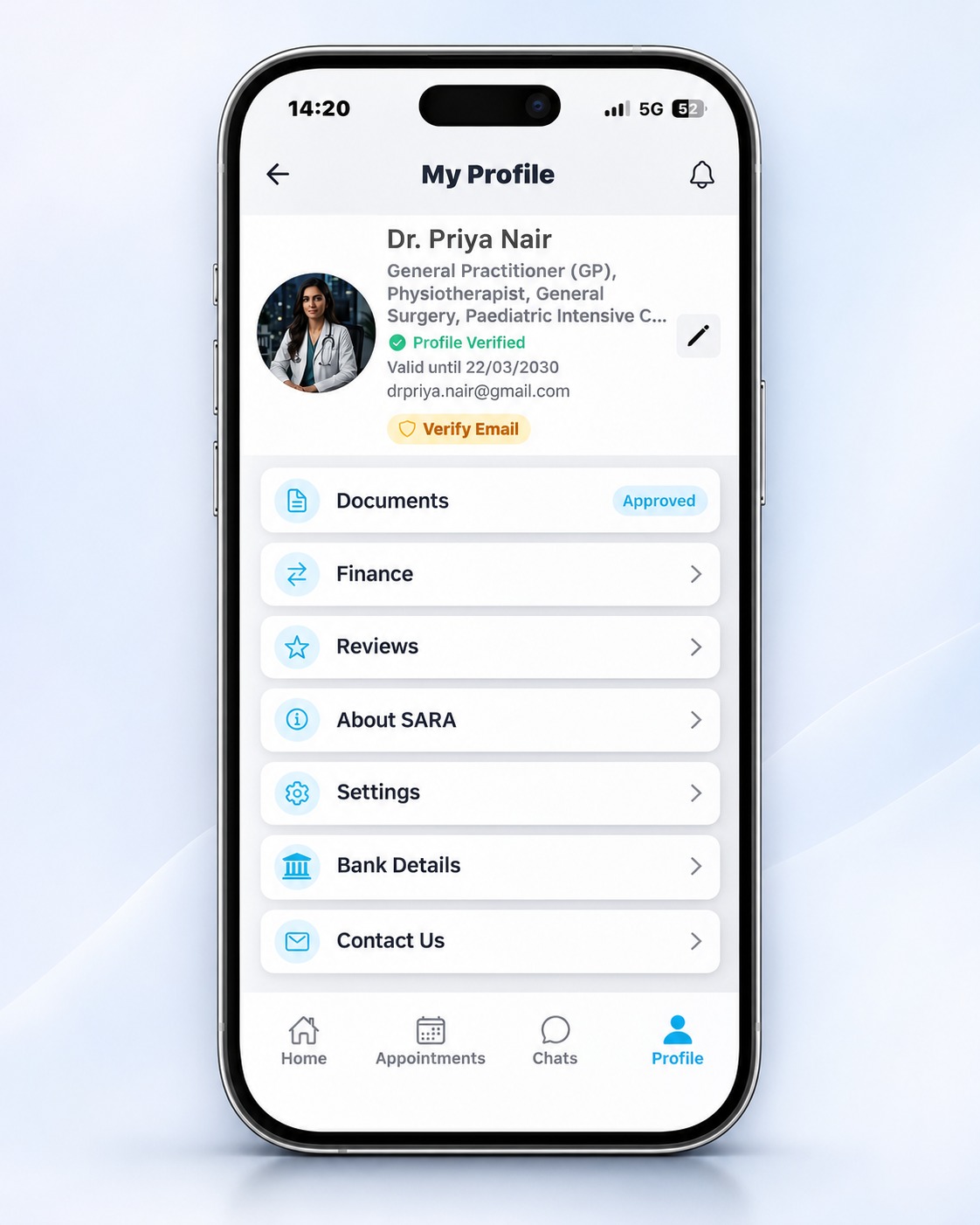
Complete MMC number, specialties & preferred hours. Get verified and go live quickly.
Receive & Bid
Get instant patient request notifications. Submit your bid with fees and availability.
Provide Care
Visit the patient. Use loT, document findings & issue e-prescriptions.
Get Paid Fast
Track all earnings in your dashboard. Receive fast, secure payouts to your account.
All SARA Care App Screens


How SARA Care Works in 6 Easy Steps
Download App
Download SARA Care from Google Play or App Store — free.
Create Profile
Set up your health profile and provider credentials. Quick, easy, and secure verification.
Receive Patient Requests
Get real-time notifications for patient requests and submit your service fees and estimated arrival time.
Provide Consultation
Manage appointments, or home visits, assess patients, and capture health readings using compatible IoT devices.
Issue e-prescriptions
Issue e-prescriptions, medical certificates, or referral letters when clinically appropriate.
Receive Payments
Receive secure payouts, review consultation history, and monitor your earnings and performance through the dashboard.